
On November 12, Meta turns on a new way of counting purchases. It is on by default. It lands 15 days before Black Friday. Your attribution window does not change. Your ads do not change. The number of purchases Meta credits to them can.
Meta calls the setting Measure conversions on customer devices. The note under the toggle in Events Manager says measurement starts November 12, 2026.source Here is how Meta describes it:
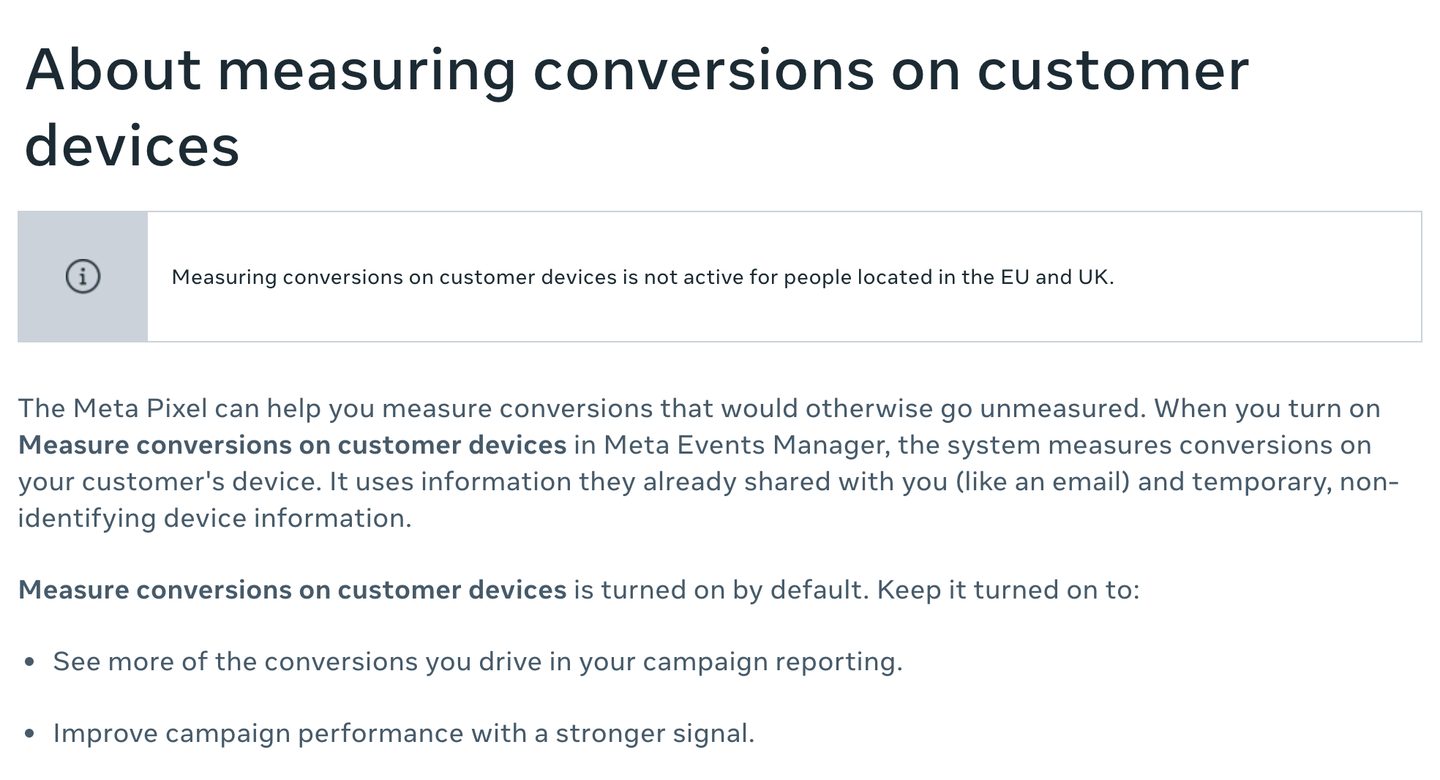
Read Meta's own example
Meta explains it with a lamp:
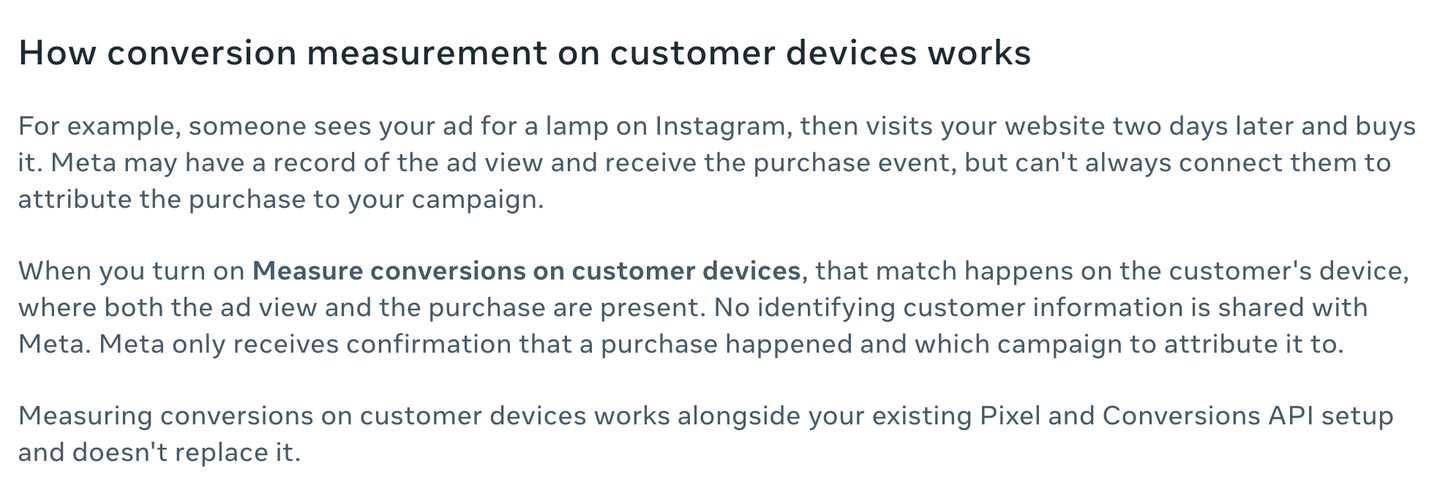
Look at what the shopper did. They saw the ad. They did not click it. Two days later they bought the lamp on your site.
Before November 12, Meta often could not tie that purchase to the ad view. After, the match happens on the shopper's phone and Meta gets told which campaign to credit. Same purchase, same order in Shopify. One more purchase in Ads Manager.
Before November 12: Meta often can't connect them
After November 12: matched on the shopper's phone
Meta is clear that this changes the count, not the rules:

That is the whole problem in one line. If Meta's purchases go up after the 12th and your Shopify orders do not, you are looking at a new counting rule, not a better campaign. And the week you are most likely to scale a "winning" campaign is the week this lands.
Ads Manager can't tell you this. Shopify can't either.
Ads Manager tells you what Meta credited itself. Shopify tells you how many orders you got. Neither puts the two side by side by campaign, and neither knows a counting rule changed on a Thursday in November.
Harvv does. It reads your Meta Ads account and the orders your store actually recorded, and shows Meta's reported return next to the orders that arrived from a Meta click, campaign by campaign. Meta's new count can't move the second number, because it only reads orders that happened on your site.
Before November 12: the 10 minute baseline
You can do this with nothing but Ads Manager and Shopify.
- Meta's purchases. In Ads Manager, set the date range to the last 14 days and note Purchases for the account. Keep your current attribution setting, and write it down too.
- Your real orders. In Shopify, note online store orders for the same 14 days. Leave out POS, draft orders and marketplace orders. They never touch your website.
- Divide. Meta purchases divided by Shopify orders. That ratio is your baseline. Write it down with the date.
- Do the same for your top three campaigns. Account totals hide a lot. A campaign that leans on video and views can move more than one that leans on clicks.
- Decide on the setting on purpose. Events Manager, then Data sources, then your pixel, then Settings. Leave it on or turn it off, but write down which, and when.
If you run several pixels, the setting is per pixel. Check each one.
Or do the math here
Last 14 days. The numbers below are an example, so replace them with yours. Nothing you type leaves this page.
Meta hasn't said how many more it will count. Slide to see what any amount does to your report.
Show as a table
| Before | After (what-if) |
|---|
After November 12: how to read the change
Run the same numbers for the 14 days after the 12th and compare.
| Meta purchases | Shopify orders | What it probably means |
|---|---|---|
| Up | Flat | The new counting rule. Don't scale on it. |
| Up | Up by about the same | Real growth. The ratio held. |
| Up a lot | Up a little | Some of each. Judge the campaign on orders. |
| Flat | Flat | The setting did little for your account, or you turned it off. |
The ratio is not a verdict on whether Meta deserves the credit. A shopper who saw your ad and bought two days later may well have been moved by it. The only way to know is a holdout test, like a conversion lift study under Experiments in Meta Ads Manager, and that takes weeks you don't have before Black Friday. What the ratio does is stop you from reading a counting change as a performance change.
Check your numbers after the 12th
Use the same 14-day length and the same attribution setting as your baseline.
Enter both numbers to see which row of the table you're in.
Should you leave it on?
There is no single right answer, so here is what each choice costs.
- Leave it on and Meta gets more purchases to learn from. Meta says it improves "campaign performance with a stronger signal." Your reported ROAS will run higher than before, so lower nothing and raise nothing on that number alone.
- Turn it off and your Meta numbers stay comparable with last year's Black Friday. You give up whatever the extra signal does for delivery.
Agencies: pick per client, write it in the client notes, and tell the client before their ROAS moves. "Your ROAS went up" followed by "your sales didn't" is a hard call to have in December.
Will you know, on December 1, which of your campaigns actually sold?
Doing it with Harvv
If Harvv is connected to your Meta Ads account and your store, you don't need the spreadsheet. Ask Claude or ChatGPT:
The second one dates the change in your account, so every before and after Harvv gives you later splits at the right day. If you have saved your costs, Harvv also shows the break-even return for each campaign, so you can see which ones pay for themselves on real orders, not on Meta's count.
Common questions
What is Meta's November 12 Pixel change?
A Pixel setting in Events Manager called Measure conversions on customer devices. It matches an ad view to a purchase on the shopper's own phone or computer, so Meta can credit purchases it used to miss. It is on by default, and the note under the toggle says measurement starts November 12, 2026.
Will my Meta ROAS go up after November 12?
It can. Meta says your attribution window and model do not change; the setting changes which conversions can be measured. More purchases credited on the same spend reads as a higher return, even when your store took the same number of orders.
How do I turn off Measure conversions on customer devices?
In Events Manager open Data sources, pick your pixel, and open Settings. The toggle is per pixel, so check each one you run.
Is this active in the EU and UK?
No. Meta says measuring conversions on customer devices is not active for people located in the EU and UK.
Does it replace the Conversions API?
No. Meta says it works alongside your existing Pixel and Conversions API setup and does not replace it.
Will Harvv's numbers change on November 12?
No. Harvv counts orders that happen on your site and the visit each one came from. A purchase matched to an ad view on someone's phone leaves nothing new on your site to count, which is what makes it a good baseline.
Sources: Meta Business Help Center, "About measuring conversions on customer devices", read and photographed on November 2, 2026.source The November 12 start date is the note under the toggle in Events Manager, as reported by PPC Land.source Meta's page does not say which sites qualify, so this guide does not either; check your own pixel's Settings. Related: ads converting low?, the Shopify conversion audit, how much of your Shopify traffic is bots, our own ad results, published daily, all guides.